
Before You Book Multi-Camera Coverage: A Planning Checklist
A checklist from our senior camera operator for producers weighing up switched multi-camera coverage of a stage or large event, covering venue, crew, signal path and delivery.
Priya Shah · · 6 min read
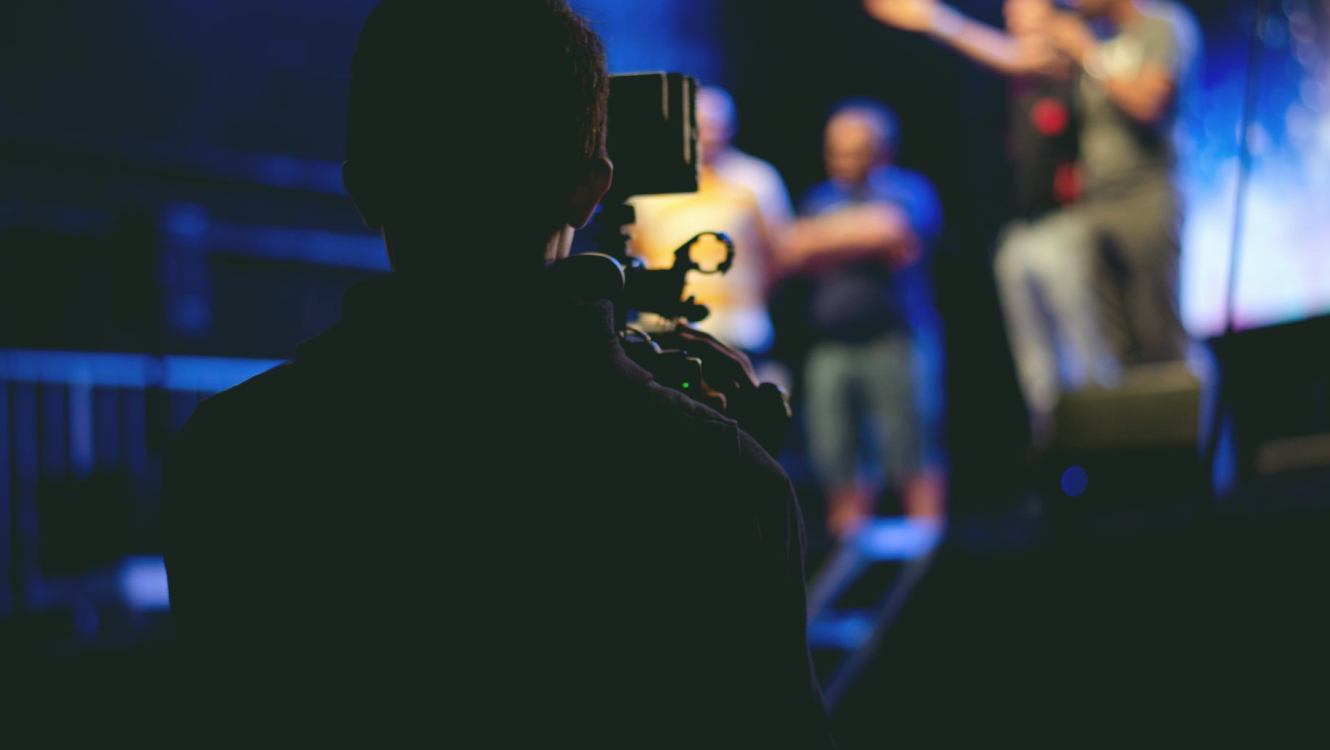
Start with what the programme needs
Before anyone talks about camera counts, settle what the finished programme has to look like. A switched multi-camera feed is built for a purpose: a live broadcast, a recorded show cut down later, or a clean feed that a studio will mix with its own graphics. Each of these changes how many angles you need and how the director works. Write down the running time, whether the programme goes out live or is recorded, and who will make the final editorial decisions on the day.
The second question is who the audience is. A regional news insert from a festival needs a different level of coverage from a full evening concert for a television slot. Producers sometimes ask for every angle available when three well-placed cameras would serve the story better. Deciding early what the viewer must see, and what can be left out, keeps the plan honest and the crew calm once the doors open.
- Live, recorded or clean feed for a studio mix
- Running time and any fixed broadcast slot
- Who signs off editorial choices on the day
Walk the venue, or at least study it
Stage coverage is decided by the building. Where can cameras stand without blocking the audience, and where will the audience stand in front of the cameras? A raised position at the back of the room gives a good wide shot but needs a long lens and a steady operator. Positions at the side of the stage give variety, yet they depend on safe cable routes and a clear view of the performers.
If a site visit is not possible, ask the venue for a plan with dimensions, rigging points and power locations. Ask about lighting too. Heavy colour changes, strobes and very dark scenes all affect how cameras are set up and how the vision mixer cuts between them. A few photographs taken from the intended camera positions often tell us more than a long description.
- Camera positions, sightlines and audience clearance
- Cable routes, power points and rigging limits
- Lighting style, including strobes and dark scenes
Decide how many cameras and who operates them
The number of cameras is a balance between coverage and complexity. Each additional camera adds an operator or a fixed position, more cable, more monitoring and more decisions for the director. A small stage may be well served by three cameras, one wide, one on the main performer and one roaming. A larger event may call for more, with a separate position for the audience and the crowd.
Ask whether positions will be staffed or locked off. A locked-off wide shot is dependable and needs no operator, but it cannot follow movement. Staffed cameras give flexibility and richer shots. We agree this with the producer in writing, so that on the day nobody is surprised by what is, and is not, being covered.
- Wide, close and roaming roles clearly assigned
- Staffed or locked-off positions agreed in advance
- Space for an audience or crowd camera if wanted
Trace the signal from camera to screen
A good picture is no use if it cannot travel. Work out the path each signal takes: from the cameras to a switching desk, from the desk to a transmission point, and from there to the broadcaster. Ask where the switching desk will sit, whether it has a clear view of the stage, and how the director will talk to the camera operators. Intercom and a monitor wall are not extras; they are how the programme gets made.
Then ask about the link out of the venue. Fibre is dependable where it exists, satellite suits locations without it, and secure internet transfer works for recorded material and some live uses. Each has lead times and limits, so raise it early. A backup route, even a modest one, is worth discussing before the day, not during it.
- Position of the switching desk and intercom
- Primary route out of the venue and a backup
- Lead times for any fibre or satellite booking
Agree the practical details in writing
Many problems on event days are small and avoidable. Who holds the access passes? When can the crew load in, and how long is there to set up and test? Where can vehicles park? Is there power on a separate circuit from the lighting and sound? Is anyone at the venue available to answer questions from early morning? Put these answers in one short document that everyone has.
Add the schedule for rehearsal or sound check, since that is when cameras can be tested against real stage lighting. Note any rules on filming, such as areas where cameras cannot go or performers who must not be shown. Rights and permissions belong with the organiser and the broadcaster, and it saves a great deal of difficulty to confirm them before anyone arrives.
- Load-in, parking, passes and a named venue contact
- Rehearsal time for testing against real lighting
- Filming restrictions, permissions and rights confirmed
Plan the delivery and the aftermath
Decide at the start what you are receiving and in what form. A live feed delivered to a control room is one thing; a recorded programme, isolated camera files and a clean mix are others. Say which formats and frame rates the broadcaster expects, and who handles the technical hand-off with their control room. A short call between the two technical teams before the day catches most mismatches.
Finally, agree what happens after the event. How long are recordings kept? Who receives the files, and by what route? What happens if a feed drops during the show? Having a calm answer to each of these questions is a good sign that the plan is sound, and it makes the quotation easier to read and compare.
- Formats, frame rate and delivery route confirmed
- Technical hand-off contact at the broadcaster
- Retention of recordings and a plan for a dropped feed
No checklist replaces a conversation, but working through these points makes that conversation shorter and more useful. If you have a stage, a date and a rough idea of the programme, write to us through the contact page and we will respond with questions, a plan and a written quotation. Bring the venue details you have, and we will help with the rest.
More from the newsroom
Six Mistakes That Cost Time on an On-Location Camera Shoot
Most problems on a location shoot start days before the cameras roll. Helen Marsh sets out six common mistakes we see with on-location crews, and the simple habits that prevent them.
What Live Signal Management Costs and What Moves the Price
A plain look at how we price live signal management, which parts of a job raise or lower the figure, and what to tell us when you ask for a quotation.
The Kit and Methods Behind Our Switched Multi-Camera Coverage
A look at the cameras, cabling, switching and checks we rely on when covering a stage or large event, and why each choice is made for the broadcaster at the other end.